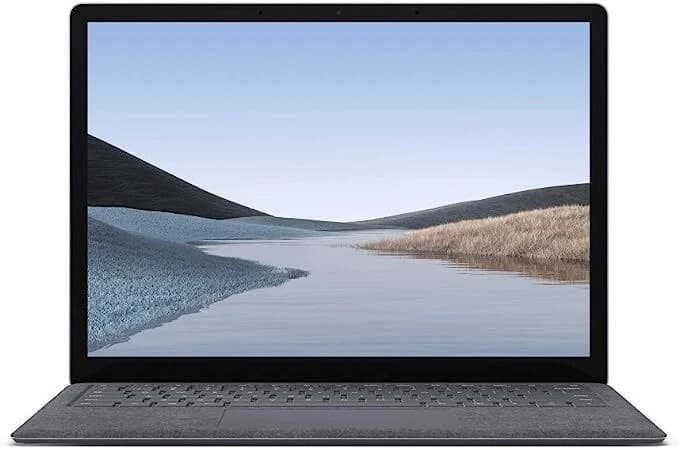
Open Box / Like New
Microsoft · Surface Laptop
Microsoft Surface Laptop 3 - Premium Touch Laptop
Intel Core i5-1035G7 · 8GB RAM · 128GB SSD
13.5" · 2256×1504 Touch · Windows 11 Home
$430.00
From S$36/mo
✓ Up to 6-month warranty


Student Guides
You do not need the most expensive laptop for school—but you do need the right one. Here is how Singapore students can choose a refurbished laptop by course, workload and budget.
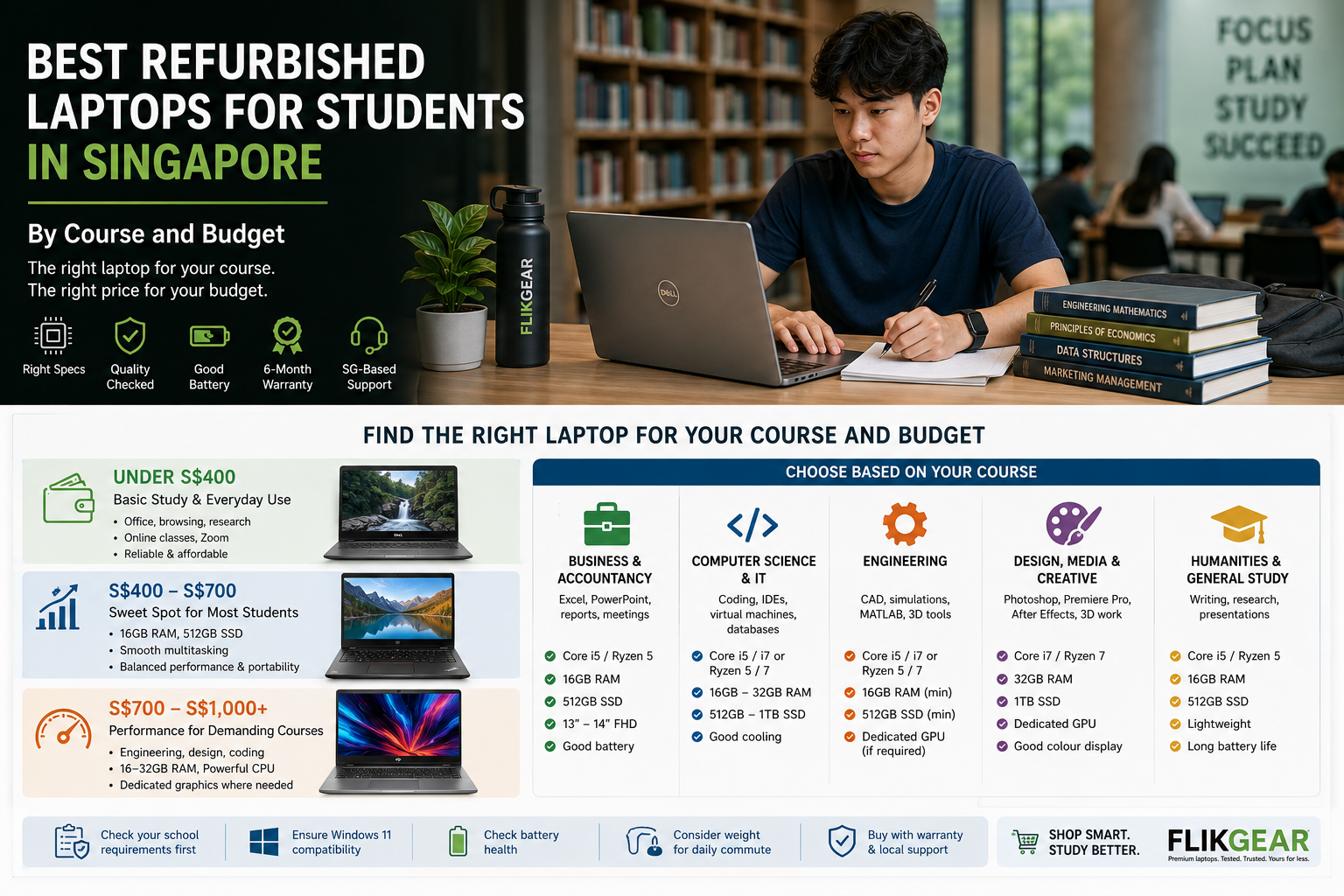
The best student laptop is not necessarily the newest MacBook or the machine with the biggest processor badge.
It is the laptop that comfortably runs your course software, survives daily travel, lasts through lectures and assignments, and fits the budget without paying for performance you will never use.
For many students in Singapore, a properly checked refurbished laptop can make that budget stretch considerably further.
For general polytechnic or university use, 16GB RAM and a 512GB SSD is a strong target in 2026 if the budget allows.
But course requirements come first.
A business student mainly using Office, browsers and video calls has very different requirements from a media student working in Premiere Pro or an engineering student running CAD software.
Always check your institution and course requirements before buying.
Singapore Polytechnic explicitly tells 2026 students to make sure their notebook meets their individual course requirements. Its current guidance also states that independently purchased machines should meet the relevant course specifications and run Windows 11 or an appropriate current macOS version.
This is the most important piece of advice in this guide.
Do not start with:
“Should I buy a MacBook or Dell?”
Start with:
“What software will I actually use for the next three or four years?”
Different courses can require dramatically different hardware.
For example, Ngee Ann Polytechnic's published 2026 notebook requirements illustrate the difference clearly:
These are examples from specific NP programmes—not universal specifications for every student in Singapore.
The lesson is simple:
check the course first, then shop.
This budget is best suited to students whose workload is mainly:
Target specification:
Depending on stock and configuration:
These business models are often more interesting at this price than very low-end new consumer laptops because they may provide better keyboards, stronger construction and more useful ports.
Below S$400, prioritise reliability over fancy specifications.
A solid Core i5 business laptop with a good keyboard, SSD and Windows 11 support is often a better student machine than an older “i7” laptop bought simply because the badge sounds more powerful.
If your course uses CAD, 3D work, large datasets or serious creative applications, this budget may be too low.
For a large number of students, this is where refurbished laptops become particularly attractive.
You can often start looking for:
| Component | Good target |
|---|---|
| Processor | Core i5 10th/11th Gen or comparable Ryzen |
| RAM | 16GB |
| Storage | 512GB SSD |
| Display | Full HD |
| Battery | Strong enough for your campus routine |
| OS | Official Windows 11 compatibility |
| Weight | Ideally around 1.2–1.6kg for frequent travel |
This is not a school requirement. It is a practical Flikgear buying target for students who want a machine with enough headroom to remain comfortable for several years.
This tier begins to make sense when the laptop itself is part of the coursework.
Consider it for:
Look for:
This is where refurbished mobile workstations such as Dell Precision and HP ZBook can become especially interesting.
Instead of buying a new mainstream laptop purely because it is new, the same budget may provide access to hardware originally designed for professional workloads.
Typical workload:
A 14-inch business laptop is one of the easiest recommendations for Singapore students.
It is large enough for spreadsheets but compact enough to carry between:
Business laptops such as the ThinkPad T-series, Dell Latitude and HP EliteBook are particularly suited to this workload.
Programming itself does not necessarily require a monster workstation.
What changes the requirement is what else you need to run.
Examples include:
NUS's current Computer Science curriculum includes programming, software engineering, operating systems and AI/machine-learning coursework, illustrating why computing students can eventually encounter much heavier workloads than simply writing code in a text editor.
In stock now
Microsoft · Surface Laptop
Intel Core i5-1035G7 · 8GB RAM · 128GB SSD
13.5" · 2256×1504 Touch · Windows 11 Home
$430.00
From S$36/mo
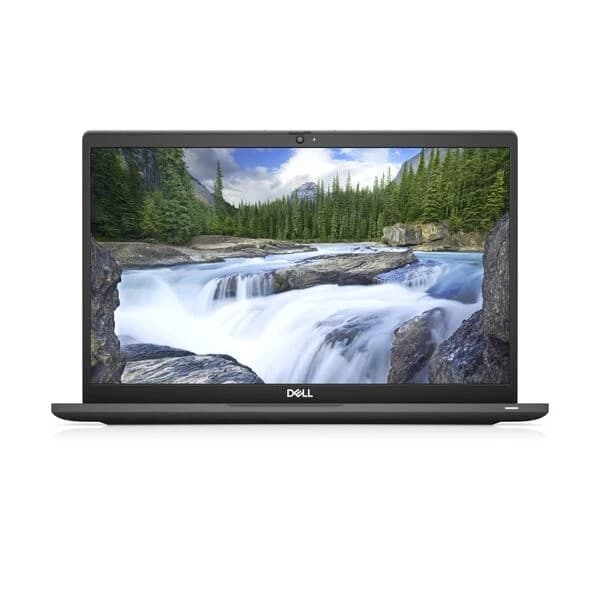
Dell · Latitude
Intel Core i7-1265U · 16GB RAM · 512GB SSD
13" · Touch · Windows 11 Pro
$560.00
$585.00 — was the regular price; now on sale.
From S$47/mo
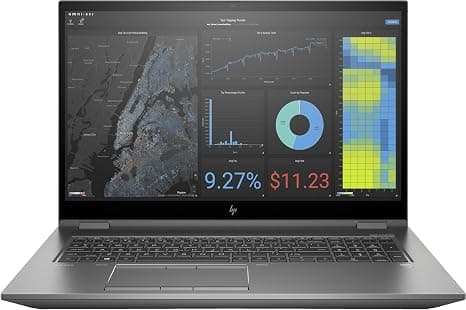
HP · ZBook
Intel Xeon W-10855M · 32GB RAM · 1000GB SSD
17.3" · 4K UHD Touch · Windows 11 Pro
Dedicated graphics$1,075.00
From S$90/mo
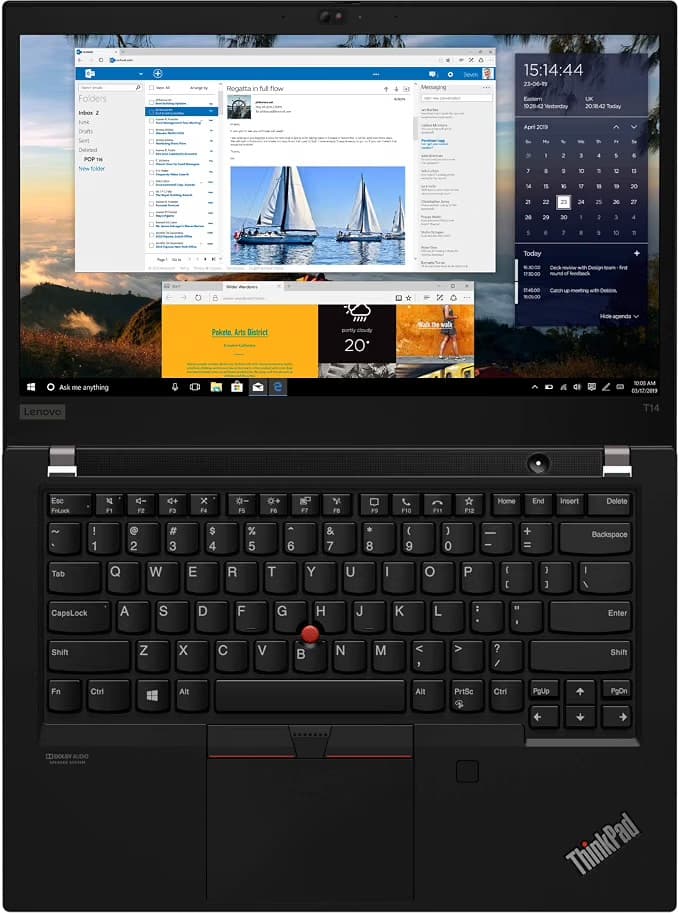
Lenovo · ThinkPad
AMD Ryzen 5 PRO 4650U · 16GB RAM · 256GB SSD
14" · FHD OLED Touch · Windows 11 Pro
$429.00
From S$36/mo
General coding:
More demanding development:
For many programming students, we would choose:
a sensible processor + 16GB RAM
over:
an older i7 + 8GB RAM
You can feel the RAM limitation quickly once you have an IDE, browser, Teams, documentation, containers and other tools running together.
Both can be excellent development platforms.
But check your course requirements first.
Some Singapore diploma programmes explicitly require Windows machines. For example, Ngee Ann Polytechnic's published 2026 Information Technology and Common ICT notebook requirements specify a Windows notebook.
Do not buy an expensive MacBook first and discover the compatibility issue during orientation week.
Engineering is one category where we strongly recommend checking the exact course documentation.
Different programmes may use:
A general engineering programme can have relatively modest notebook requirements, while architecture or graphics-heavy engineering work can require substantially stronger hardware.
For example, Ngee Ann Polytechnic's 2026 Common Engineering Programme lists Core i5/Ryzen 5, 8GB RAM with 16GB recommended and a 512GB SSD as its minimum specification.
Meanwhile, Singapore Polytechnic has historically specified dedicated graphics for courses involving 2D/3D CAD and rendering, illustrating how requirements can vary by discipline.
If your course uses CAD or 3D applications:
Do not purchase based on this article alone.
Check:
Then look for a refurbished machine that meets or exceeds those requirements.
Creative courses can be among the most demanding.
Potential applications include:
For comparison, Ngee Ann Polytechnic's 2026 Common Media Programme currently publishes substantially higher specifications than its general engineering programme, including 32GB RAM and dedicated RTX-class graphics in its Windows specification.
That does not mean every design student needs that specification.
It means you must take creative-course requirements seriously.
Graphic design and photography:
Video editing and heavier creative work:
This is one area where a refurbished workstation can deliver considerably more performance per dollar.
For many of these courses, the laptop workload is relatively straightforward:
You usually do not need a workstation.
Prioritise:
A premium 13-inch or 14-inch refurbished business laptop can be an excellent fit.
This deserves repeating.
Many Singapore polytechnics publish notebook requirements at the course level.
Singapore Polytechnic's 2026 guidance explicitly directs students to check the hardware requirements for their course before purchasing.
Ngee Ann Polytechnic similarly publishes programme-specific notebook specifications, and those specifications vary considerably between Business, Engineering, IT, ICT and Media programmes.
Search:
“[your polytechnic] + [your course] + notebook requirements”
or check your school's onboarding material.
Then send those requirements to the laptop seller.
A responsible seller should be willing to tell you when a particular laptop is not suitable.
A first-year workload may be relatively light.
Your laptop should ideally remain useful when you reach:
Buying slightly above your immediate requirement can therefore make sense.
But do not spend S$1,500 “future-proofing” against workloads that may never arrive.
A sensible amount of headroom is useful.
Overbuying is still overbuying.
Acceptable for:
It is increasingly the budget option.
If RAM cannot be upgraded, think carefully before choosing 8GB for a laptop you expect to use for several years.
Our preferred target for most students.
Comfortable for:
Worth considering for:
More RAM is not automatically useful if your workload never needs it.
Fine for:
Can become restrictive once applications and course files accumulate.
The practical sweet spot for most students.
Enough room for:
without constantly worrying about storage.
Useful for:
Do not pay for 1TB simply because it sounds better.
Storage is often easier to expand than RAM.
Singapore students tend to move around a lot.
Your laptop may travel:
bedroom → bus/MRT → lecture → library → project meeting → MRT → home
That changes the screen-size calculation.
Best for:
This is our preferred student range.
Better for:
But weight becomes more noticeable when you carry it across campus every day.
That 16-inch workstation can look fantastic in the shop.
It feels considerably less fantastic when you are standing on the Downtown Line with it, a charger, water bottle and three other things in your bag.
No.
And they also do not need to avoid one.
MacBooks can be excellent student laptops when:
Avoid choosing a Mac purely because many classmates use one.
Certain courses explicitly require or favour Windows software.
Compatibility beats aesthetics.
A refurbished MacBook can make premium Apple hardware accessible at a lower price.
Before buying, check:
For many students in 2026, an Apple-silicon MacBook is more attractive for longevity than older Intel MacBooks—but Intel models can still make sense at the right price and for the right workload.
We cover this separately in our Refurbished MacBook Buying Guide.
If the laptop stays on your HDB desk all day, a weaker battery may not matter much.
Students are different.
You may have:
without sitting beside a wall socket all day.
Ask for:
Do not rely only on “battery lasts four hours”.
Runtime changes dramatically with workload and brightness.
If we were helping a student choose between several similar laptops, we would usually rank these factors:
Notice what is not at number one:
i7.
If you are buying a laptop for your son or daughter, ask them for their course notebook requirements before shopping.
Do not begin with:
“What is the best laptop?”
Instead ask:
Then set the budget.
This prevents both underbuying and unnecessary overspending.
| Budget | Best suited for | What we would prioritise |
|---|---|---|
| Under S$400 | Basic study and general productivity | Windows 11 support, SSD, reliable keyboard, usable battery |
| S$400–S$700 | Most general poly/uni students | 16GB RAM, 512GB SSD, modern business laptop |
| S$700–S$1,000 | Coding, engineering and creative workloads | 16–32GB RAM, stronger CPU, larger SSD, dedicated GPU where needed |
| Above S$1,000 | Specialist demanding courses | Buy specifically against software and course requirements |
Prices and available specifications change with inventory. Use these as decision bands rather than fixed promises.
A refurbished laptop can make particular sense when:
A laptop does not become worse at Excel because there is a scratch on the lid.
That is often where the value is.
We would consider buying new when:
For example, Singapore Polytechnic's 2026 authorised notebook programme highlights three-year onsite warranty and next-business-day support on recommended machines. That has genuine value and should be included in the comparison—not ignored simply because a refurbished laptop costs less.
Refurbished is a value option.
It is not automatically the right answer every time.
Before paying, confirm:
If you cannot answer those questions, do not rush the purchase.
Yes, provided it meets your course requirements and has adequate battery, RAM, storage and software support. Business-grade refurbished laptops can be particularly useful for students because they are designed for daily professional use.
For general use, 8GB can still work, but 16GB is the more comfortable target for most students buying a laptop to keep for several years. More demanding computing, engineering and creative courses may benefit from or require 32GB.
It can be enough for cloud-based study and documents, but 512GB provides considerably more breathing room. Creative files, virtual machines and engineering applications may justify 1TB.
Check the specific course requirement first. Some courses support either platform, while others explicitly require Windows because of the software used.
It can be, particularly when macOS is fully compatible with the course. Check the MacBook's chip generation, battery, storage, RAM and current macOS support before buying.
There is no single best brand. Dell Latitude, HP EliteBook, Lenovo ThinkPad, Microsoft Surface and Apple MacBook models can all be excellent choices depending on the configuration, battery, condition and course requirements.
Flikgear lists the exact specifications, condition and battery information available for each laptop so you can compare what actually matters.
If you are unsure, send us your course requirements and budget and we can help narrow the options.
About the Author
Zac GJ, Flikgear
Flikgear - Singapore's trusted refurbished laptop brand