Excellent Refurbished
Lenovo · ThinkPad
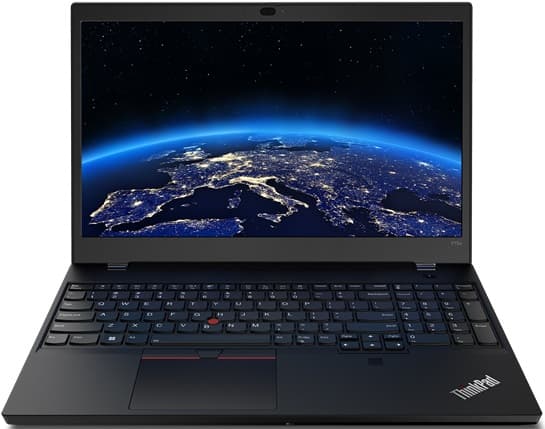
Lenovo ThinkPad T15p Gen 3 - Intel Core i7 RTX 3050 Performance Laptop
Intel Core i7-12700H · 16GB RAM · 512GB SSD
15.6" · Windows 11 Pro
Dedicated graphicsS$1,075.00
From S$90/mo
✓ Up to 6-month warranty


Budget Buying Guides
S$500 can buy a surprisingly capable refurbished laptop in Singapore if you know where to spend the money. Here is what to look for, what to avoid and which specifications make the most sense.

A S$500 laptop budget does not mean settling for something painfully slow.
In the refurbished market, S$500 can put you into a proper Dell Latitude, HP EliteBook, Lenovo ThinkPad or another business-class machine with enough performance for study, office work, video calls and everyday multitasking.
The trick is knowing which specifications matter and which impressive-sounding features are not worth paying for.
For most buyers, our preferred target under S$500 is:
You do not need all of these at exactly S$499.
You need the best combination for what you actually do.
A good refurbished machine in this price range can comfortably handle:
Some machines below S$500 can do more.
For example, you may occasionally find older workstations with dedicated graphics or premium touchscreen business laptops within this budget.
But those are bonuses, not what we would build the buying decision around.
This budget is usually not ideal for:
Can an older workstation below S$500 sometimes run Premiere Pro or CAD?
Yes.
Does that mean every S$400 workstation is a great creator laptop?
No.
Older high-performance machines can also be:
Buy for the workload, not the excitement of seeing "dedicated graphics" in the listing.
For many buyers, this is the strongest part of the refurbished market.
This budget can potentially give you:
At the time this guide was reviewed, Flikgear's own inventory included several Dell Latitude, HP EliteBook, HP ProBook and Lenovo ThinkPad configurations within this range.
Inventory changes frequently, which is why the article should display a live Under S$500 product section rather than hardcoding individual laptops into the guide.
If the laptop is mainly for:
you do not need a workstation.
A three or four-year-old business laptop was often originally designed for someone who used it eight hours a day.
That usually means manufacturers paid more attention to:
That can make a refurbished business laptop a better student purchase than a very basic new consumer machine.
This budget is excellent for standard office workloads.
Typical tasks include:
| Component | Target |
|---|---|
| Processor | Core i5 10th Gen or newer where possible |
| RAM | 16GB |
| Storage | 256GB minimum, 512GB preferred |
| Screen | 13 to 14-inch Full HD |
| OS | Official Windows 11 support |
| Webcam | Yes |
| Ports | USB-C, USB-A, HDMI where useful |
| Battery | Match it to your mobile use |
You do not need an i7 for spreadsheets.
More RAM and a comfortable keyboard may improve your actual working day more than upgrading the processor badge.
Singapore is not exactly a country where you need to drive two hours to campus.
But you may still spend a lot of time carrying your laptop:
A compact laptop can therefore be worth paying slightly more for.
Business ultraportables from Latitude, EliteBook and ThinkPad lines are particularly attractive for this use.
A 17-inch workstation for S$380 can look like an unbelievable deal.
It is less unbelievable after carrying it on the MRT with its large charger every day.
Cheap performance is still heavy performance.
For a laptop that mainly stays at home, priorities change.
Weight becomes less important.
A larger screen may become more useful.
Look for:
A home laptop does not need an immaculate lid.
This is one of the situations where a Good or Fair cosmetic grade can create excellent value.
A few scratches do not make YouTube buffer more slowly.
In stock now
Lenovo · ThinkPad
Intel Core i7-12700H · 16GB RAM · 512GB SSD
15.6" · Windows 11 Pro
Dedicated graphicsS$1,075.00
From S$90/mo
Dell · Precision
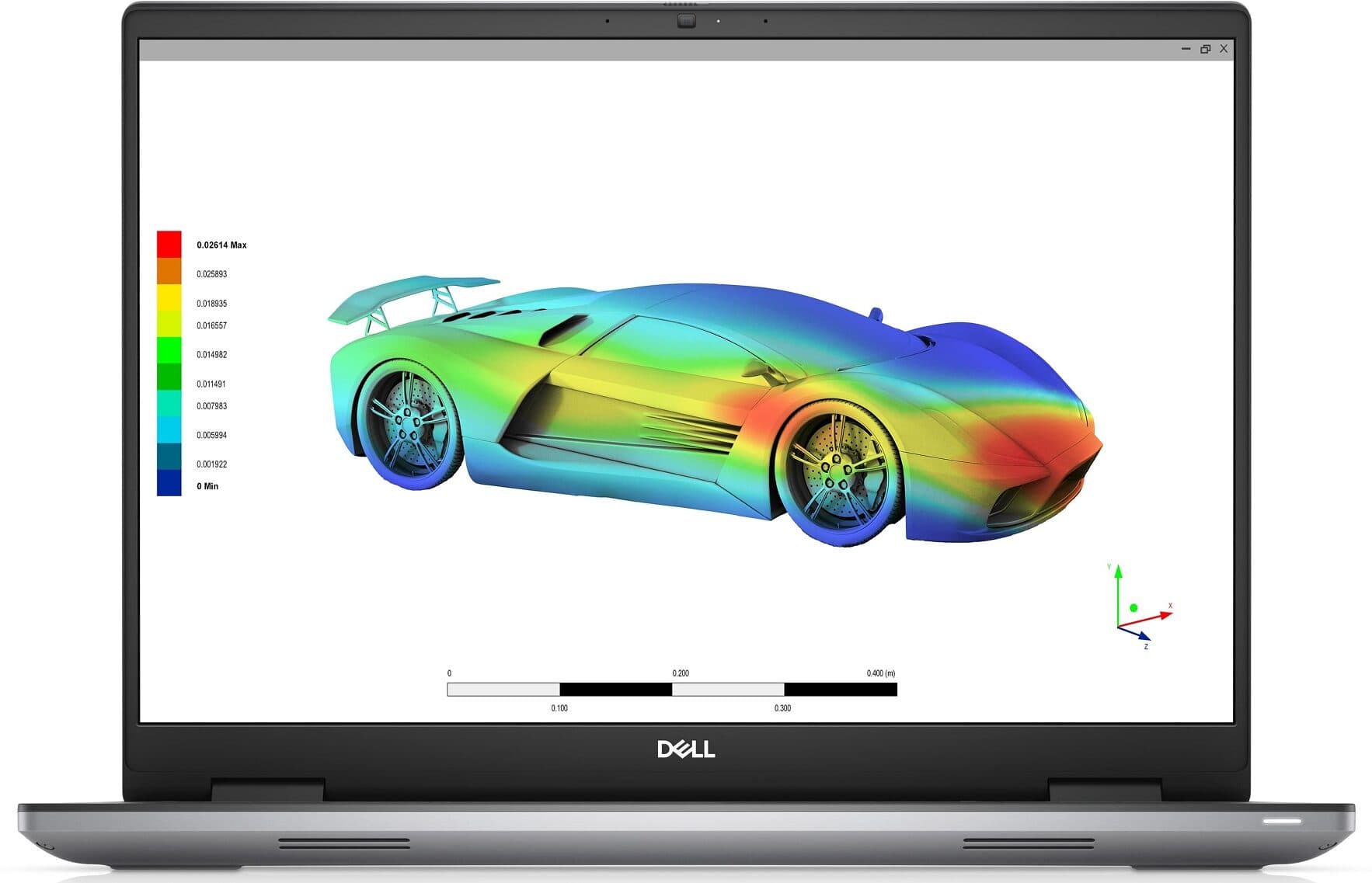
Intel Core i7-12850HX · 32GB RAM · 512GB SSD
16" · 4K+ (WQUXGA) OLED Touch · Windows 11 Pro
Dedicated graphicsS$1,295.00
From S$108/mo
HP · ZBook
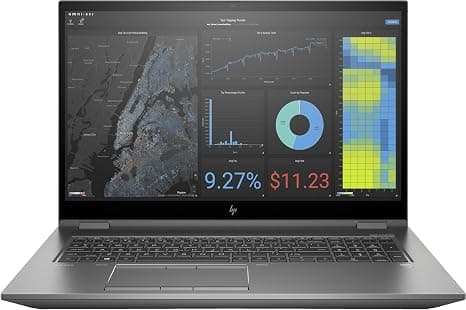
Intel Xeon W-10855M · 32GB RAM · 1TB SSD
17.3" · 4K UHD Touch · Windows 11 Pro
Dedicated graphicsS$1,075.00
From S$90/mo
Dell · Latitude
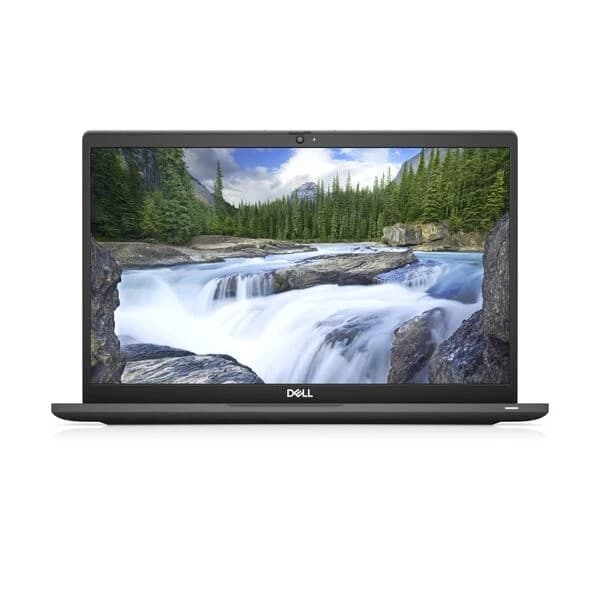
Intel Core i7-1265U · 16GB RAM · 256GB SSD
13" · Touch · Windows 11 Pro
S$545.00
S$575.00 — was the regular price; now on sale.
From S$46/mo
Basic programming does not automatically require expensive hardware.
For:
a modern business laptop with 16GB RAM can work very well.
If you plan to run:
then 32GB RAM becomes more useful.
We cover this in more detail in our Refurbished Laptop for Programming Guide.
Yes.
Touchscreen business laptops often enter this price range once they are a few generations old.
You may find:
Touch is useful for:
But do not sacrifice important specifications simply to get touch.
A touchscreen with 8GB RAM is not necessarily a better purchase than a non-touch machine with 16GB RAM.
Sometimes.
Older Intel MacBooks and occasional Apple silicon deals can enter this budget range.
Before getting excited about the Apple logo, check:
A S$450 MacBook is not automatically better value than a S$450 ThinkPad.
They are different tools.
Buy based on software compatibility and how you intend to use the machine.
If you have the choice, we would generally choose 16GB.
Imagine two S$400 laptops:
Laptop A
Laptop B
Assuming both processors are from similar generations, we would often prefer Laptop B for ordinary work and study.
The machine has to work as a complete system.
For most buyers, 512GB is more comfortable.
However, storage is often upgradeable.
That means a better laptop with 256GB may be preferable to a weaker laptop with 512GB if the SSD can be upgraded later.
One of the easiest ways to make a budget laptop feel budget is a poor display.
Check:
For a 13 to 15-inch laptop, 1920 x 1080 or similar is a comfortable target.
Older 1366 x 768 displays can still work for basic office use, but they provide noticeably less workspace.
If you spend hours reading, coding or working with spreadsheets, screen quality matters.
A home user may leave the laptop plugged in most of the day.
A student may need it across campus.
A salesperson may move between meetings.
That means there is no universal "good enough" battery percentage.
Ask:
Do not convert a battery-health percentage directly into guaranteed hours.
Runtime depends on the laptop, workload, brightness and software.
Windows 10 support ended in October 2025.
That makes operating-system compatibility particularly important for low-cost refurbished laptops.
Some very old laptops may have Windows 11 installed even though the hardware does not meet Microsoft's standard requirements.
Before buying, confirm:
For a main student or work laptop, prioritise officially supported hardware.
An extremely low-cost older laptop can still make sense for:
but the software-support trade-off should be clear.
This is one of the easiest ways to get more specification for your budget.
Consider two identical laptops:
Excellent unit: S$470 Good unit: S$410
The Good unit has scratches on the lid.
Everything else is equivalent.
If the laptop spends most of the time at your HDB desk, would you rather have:
or
There is no universally correct answer.
The important part is seeing the actual damage before you decide.
An i7 badge is not enough.
Check the generation.
An SSD makes a major difference to everyday responsiveness.
For a main Windows laptop in 2026, this is too restrictive for most buyers.
Do not assume Windows 11 being installed means Windows 11 is officially supported.
Scratches are cosmetic.
Structural damage is different.
Do not treat this as normal wear.
You should understand what happens if the machine develops a fault.
You should be able to see the actual condition.
Check the wattage and connector.
A bargain is not a bargain if you have to replace it in three months.
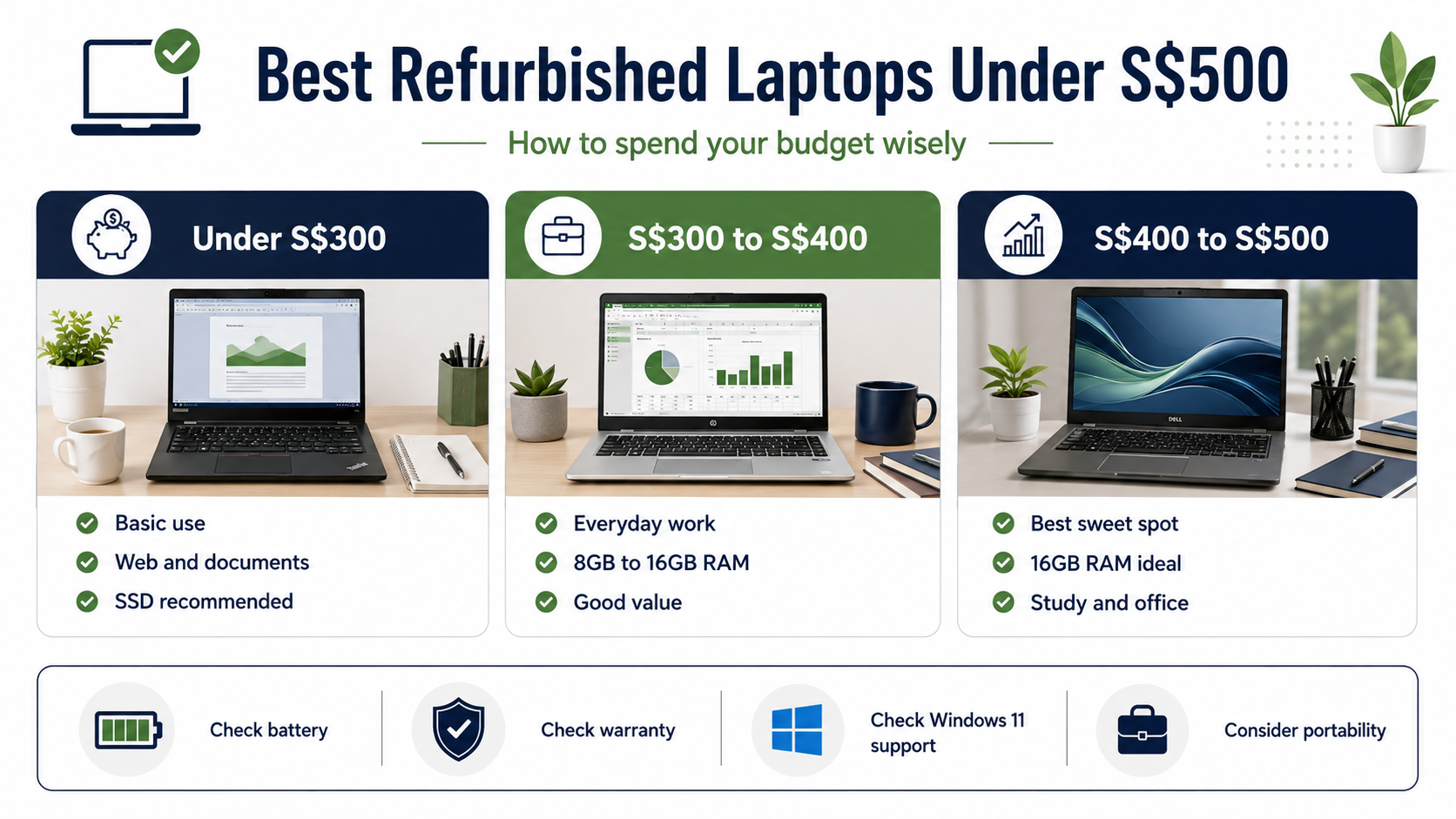
Target:
Best for:
Target:
Best for:
Keep the remaining budget for:
This can still work if expectations are realistic.
Best for:
Check operating-system support and battery expectations particularly carefully.
| Use | What to prioritise |
|---|---|
| Student | Battery, weight, 16GB RAM, webcam |
| Office work | Keyboard, 16GB RAM, ports, 512GB SSD |
| Home | Screen size, value, condition |
| Programming | 16GB RAM, CPU, SSD, keyboard |
| Travel | Weight, battery, USB-C charging |
| Basic design | RAM, Full HD display, colour quality |
| Desk-based work | Performance and price over battery |
| Backup laptop | Reliability and low cost |
There is no single "best laptop under S$500".
There is a best laptop under S$500 for you.
Strong choice for:
Strong choice for:
Strong choice for:
Strong choice for:
Strong choice for:
But model and condition matter more than the logo.
A good Latitude can be better value than a poor ThinkPad.
A good ThinkPad can be better value than a worn EliteBook.
Buy the unit, not the fan club.
At high budgets, new and refurbished products both offer many options.
At S$500, the trade-off becomes more interesting.
A new laptop may prioritise:
A refurbished business laptop may prioritise:
Neither is automatically better.
But refurbished gives budget buyers access to laptop classes that may originally have cost considerably more.
That is the opportunity.
We would rather sell a straightforward machine that suits the buyer than make an old laptop sound more impressive than it is.
For everyday under-S$500 options, we prioritise:
Some older budget units may carry shorter warranty terms than newer stock.
That should always be stated clearly on the product page.
Check the individual listing before purchasing.
Yes. In the refurbished market, S$500 can buy a capable business-class laptop suitable for study, office work and everyday use. Focus on processor generation, RAM, SSD, battery and warranty rather than brand alone.
For many courses, yes. General business, humanities, communications and lighter computing workloads can fit comfortably within this budget. Engineering, media and graphics-heavy courses may require more powerful hardware.
Yes. Refurbished business laptops with 16GB RAM are regularly available within this price range. Availability depends on current stock.
Compare the complete specifications. New may provide a fresh battery and manufacturer warranty. Refurbished may provide more RAM, better construction and stronger overall specifications.
It can be for basic use, a backup machine or a desk-based setup. Check processor age, Windows support, battery condition and warranty carefully.
Light and older games may run on suitable hardware, and some older workstation models include dedicated graphics. Modern gaming should not be the main expectation at this budget.
The smartest budget laptop is rarely the one with the longest specification list.
For most people, we would rather see:
than an old "high-end" model full of features you do not need.
Start with your workload.
Then use the budget.
About the Author
Zac GJ, Flikgear
Flikgear - Singapore's trusted refurbished laptop brand