Free delivery over S$25 🇸🇬 · up to 6-month warranty · Pay later with Grab, Atome, ShopeePay, ShopBack
Free delivery over S$25 🇸🇬 · up to 6-month warranty · Pay later with Grab, Atome, ShopeePay, ShopBack·Free delivery over S$25 🇸🇬 · up to 6-month warranty · Pay later with Grab, Atome, ShopeePay, ShopBack
Buying Guides
12 Red Flags When Buying a Refurbished Laptop in Singapore
A low price does not automatically mean a good deal. Here are 12 warning signs to check before buying a refurbished or used laptop in Singapore.
By Zac GJ, Flikgear13 July 202611 min read
A refurbished laptop can offer excellent value, but the lowest-priced listing is not always the best deal.
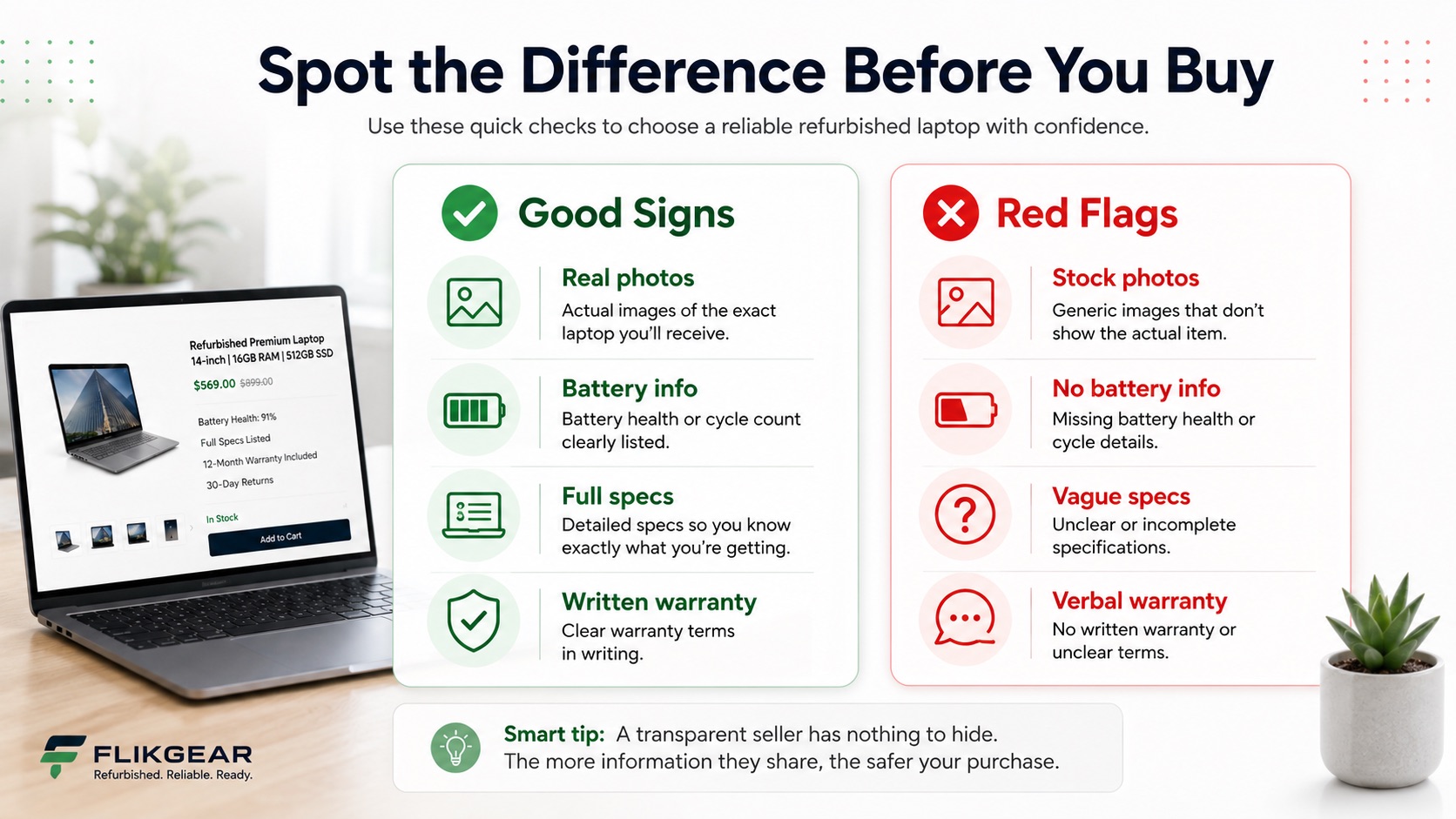
The biggest warning signs are vague specifications, stock photographs, missing battery information, unsupported software, unclear warranty terms and sellers who avoid straightforward questions.
One red flag does not automatically mean a laptop is faulty. Several together should make you slow down.
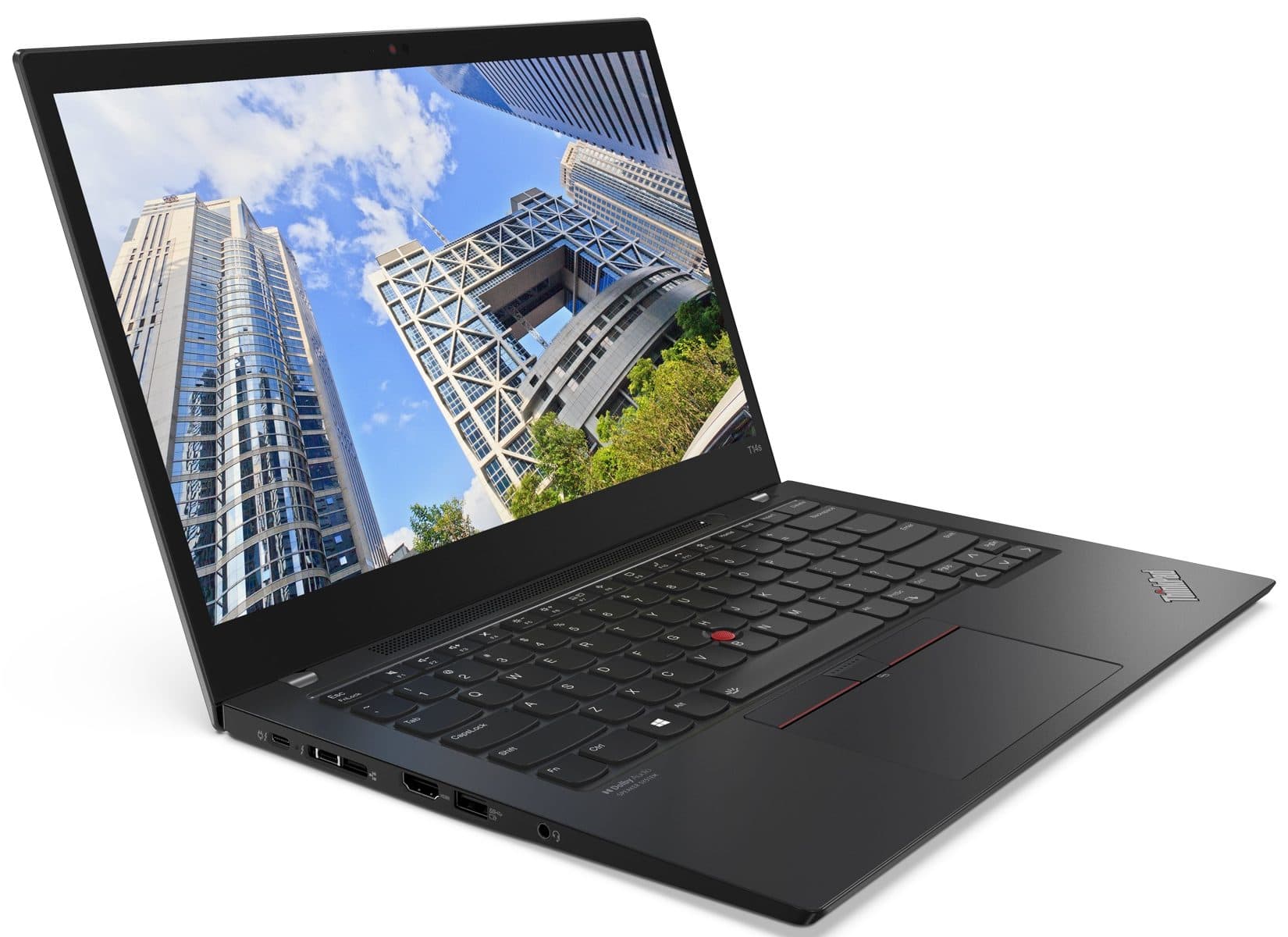
Lenovo ThinkPad T14s Gen 2 - Premium Lightweight Touchscreen Business Laptop
Intel Core i7-1165G7 · 16GB RAM · 256GB SSD
14" · Touch · Windows 11 Pro
S$535.00
From S$45/mo
✓ Up to 6-month warranty
Red flag 4: There is no battery information
Battery wear is normal in used laptops.
What is not useful is pretending the battery does not exist.
Ask for:
Battery-health percentage or capacity information
Cycle count where available
Whether it charges normally
Whether it switches off unexpectedly
Whether it is swollen
Approximate test conditions for any runtime claim
Whether the warranty covers the battery
Avoid treating a seller’s statement of “three to five hours” as a guarantee unless the test conditions are clearly explained.
Battery runtime can change based on screen brightness, workload, Wi-Fi, background applications and power settings.
Red flag 5: The processor is listed only as “i5” or “i7”
Intel has used the Core i5 and Core i7 names across many generations.
A much older i7 may be slower, less efficient and less securely supported than a newer i5.
Ask for the complete processor name.
Examples include:
Intel Core i5-10210U
Intel Core i5-1135G7
Intel Core i7-1165G7
Intel Core i7-11850H
Also verify whether the processor is a low-power mobile chip, higher-performance chip or workstation-class option.
The badge alone is not the specification.
Red flag 6: Windows 11 is installed, but official compatibility is unclear
A laptop can sometimes run Windows 11 through unofficial installation methods even when it does not meet Microsoft’s standard hardware requirements.
The fact that Windows 11 appears on the screen is not enough.
Ask:
Is the processor officially supported?
Is TPM 2.0 available and enabled?
Does Secure Boot work?
Is Windows activated?
Does the laptop receive standard updates?
Are manufacturer drivers available?
This matters more in 2026 because ordinary Windows 10 support has ended.
A very low-priced older laptop may still be useful for a specialised purpose, but the software-support trade-off must be explained.
Red flag 7: The seller cannot confirm whether the ports work
Many buyers test the keyboard and screen but forget the ports.
A faulty USB-C port can be particularly expensive when it handles:
Charging
External displays
Docking
Data transfer
Thunderbolt accessories
Ask whether the seller has tested:
USB-A
USB-C
HDMI or DisplayPort
Audio jack
SD card reader
Ethernet
Charging port
Thunderbolt, where applicable
The port you forget to test is usually the one you need after the return period ends.
Red flag 8: The charger is missing, underpowered or questionable
A compatible charger can be perfectly acceptable.
It must still provide the correct power and connector type.
Check:
Is a charger included?
Is it original or compatible?
What is its wattage?
Does it support USB-C Power Delivery where needed?
Does the laptop charge properly while under load?
Is the cable frayed?
Does the charger become excessively hot?
A workstation or gaming laptop may require considerably more power than a thin business laptop.
The wrong charger can lead to slow charging, performance warnings or battery drain during heavy use.
Red flag 9: The warranty is only verbal
“Don’t worry, anything happen just message me” is not a warranty policy.
A written warranty should explain:
Coverage period
Covered hardware faults
Battery treatment
Exclusions
Claims process
Repair or replacement approach
Customer responsibilities
Whether accidental damage is excluded
Where the laptop must be brought or shipped
A warranty is useful because it reduces uncertainty.
Vague wording simply moves the uncertainty to a later date.
Red flag 10: There is no return or testing period
Some private used sales are legitimately final.
That does not mean you should treat them like a retailer purchase with a return policy.
When there is no return option:
Test the laptop thoroughly before paying
Verify the specifications
Check activation
Test the battery and charger
Inspect the screen
Test every key
Connect to Wi-Fi
Check the ports
Restart the laptop
Confirm there are no firmware or account locks
A return period provides time to discover issues that may not appear during a five-minute meetup at an MRT station.
Red flag 11: The seller pushes payment outside a protected channel
Be careful when a seller urgently asks you to:
Leave a marketplace checkout
Pay to an unrelated account
Use an unfamiliar payment link
Send a deposit before seeing basic evidence
Pay immediately to “reserve” the unit
Avoid an invoice or written receipt
Direct payment is normal in many legitimate transactions.
The red flag is pressure combined with missing information, unclear identity or unwillingness to document the sale.
Keep screenshots of the listing, condition description, warranty promise and payment record.
Red flag 12: The price is unrealistically low - and nobody can explain why
A low price can be genuine.
Possible reasons include:
Heavy cosmetic wear
Weak battery
Missing charger
Older processor
Low-resolution display
Small storage
Locked firmware
Damaged port
Cracked casing
Unsupported operating system
Need for a quick sale
The problem is not the discount.
The problem is a discount with no explanation.
A simple price test
Compare the laptop against similar units with the same:
Model
Processor
RAM
Storage
Screen
Graphics
Battery condition
Cosmetic grade
Warranty
Do not compare only by brand name.
Red flags versus normal refurbished wear
Not every imperfection is a warning sign.
Normal and manageable
More concerning
Light scratches disclosed in photos
Cracks around hinges
Worn lid with a lower price
Bulging or separated chassis
Battery wear clearly stated
Battery swelling
Compatible charger with correct rating
Unknown low-powered charger
Older model sold for basic tasks
Unsupported model marketed as future-proof
Fair cosmetic grade
Hidden damage
Short warranty explained clearly
Warranty promised only verbally
A trustworthy listing does not need to present the laptop as perfect.
It needs to present it accurately.
Questions to ask the seller
Before buying, ask:
What is the full model number?
What is the complete processor name?
Are the photos of the actual unit?
Are there scratches, dents or screen defects?
What is the battery health or full-charge capacity?
Does every port work?
Is Windows or macOS properly activated and supported?
Is a correctly rated charger included?
What is covered by the warranty?
Is there a return or testing period?
Will I receive an invoice or receipt?
Is there any issue not shown in the listing?
A reliable seller should not be offended by reasonable questions.
What to test when you receive the laptop
Do this early in the return period:
Verify model, processor, RAM and storage
Inspect the body under good light
Check the screen on white and dark backgrounds
Test every key
Test the trackpad
Connect Wi-Fi and Bluetooth
Test the webcam and microphone
Play audio
Test every important port
Charge and unplug the laptop
Restart and wake from sleep
Run your main applications
Do not wait until the final evening of the return window.
Frequently Asked Questions
Is it safe to buy a used laptop from Carousell?
It can be, but protection depends on the listing, payment method and seller. Verify the laptop carefully, retain written evidence of the description and use platform protections where available.
Is cosmetic damage a red flag?
Not by itself. Disclosed cosmetic damage can make a laptop better value. Cracks, hinge damage, battery swelling or structural separation are more concerning than ordinary scratches.
Should I avoid laptops without a warranty?
The risk is higher because you bear the full cost of faults discovered after purchase. For a very low-cost private sale, that may be acceptable. For a higher-priced laptop used for work or study, written protection is more valuable.
No. A laptop used mainly at a desk can still be useful with a worn battery if the price reflects it and replacement is possible. Battery swelling or unstable operation is different and should not be ignored.
How do I know whether Windows 11 was installed through a bypass?
Check the exact processor against Microsoft’s supported list and confirm TPM 2.0 and Secure Boot. A seller should be able to explain the device’s official compatibility.
What is the safest way to inspect a laptop?
Use a written checklist, test the device under good lighting and verify hardware information directly in the operating system. When possible, buy with a written return policy and warranty.
Take the checklist with you
Download Flikgear’s 20-Point Refurbished Laptop Buying Checklist before viewing or collecting a laptop.